Talk to Sales
Get Started With CTRL ENTER
Go to Page
How to Upload Files
How to Upload Files
📎 Attach Files & Images
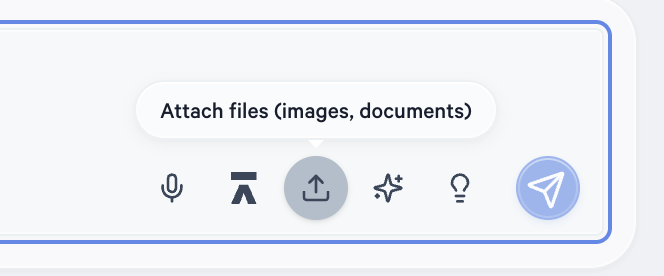


Click the upload icon (the arrow pointing up) in the toolbar to attach a file or image directly to your message. CTRL ENTER can read the content and answer questions about it.
Supported use cases include:
- EOBs or remittance PDFs — "Why was this claim denied and what's the recommended next step?"
- Insurance cards (images) — "What is the payer ID and group number on this card?"
- Clinical documents — "Does this referral contain the required diagnosis codes for prior authorization?"
- Superbills or charge sheets — "Are there any coding errors or missing modifiers on this document?"
Example: Take a photo of a patient's insurance card or upload a scanned EOB, then ask: "What payer ID should I use when submitting a claim for this patient?"
💡 Tip: The more clearly the document is scanned or photographed, the better the results. Cropped, well-lit images of cards and documents work best.
Using Both “Eat Page Content” and File Uploads Together
You can combine page context and file uploads in the same conversation. For example, open a payer's authorization portal (globe icon to eat the page), then upload a patient's referral document and ask: "Based on this payer's requirements and this referral, is the documentation complete enough to submit a prior auth?"


ENTER is HIPAA compliant and SOC 2 Type 2 certified. See our trust center to learn more.
Ready to Get Started?
Talk to our sales team and see how much ENTER can impact your Revenue Cycle Management today!