Talk to Sales
Get Started With CTRL ENTER
Go to Page
Capturing Page Content
Using Context: Page Content
CTRL ENTER doesn't just answer questions from memory — it can read what's in front of you and respond based on that specific content. There are two ways to give it context.
This function is only available in the Sidepanel version of CTRL ENTER.
🌐 Eat Page Content
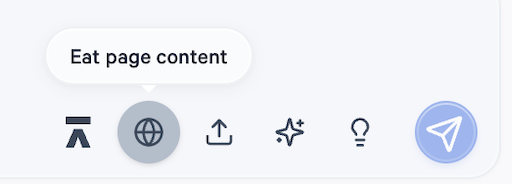
When you have the CTRL ENTER side panel open alongside any webpage, click the globe icon in the toolbar to activate Eat Page Content. CTRL ENTER will read the text on the current page and use it as context for your conversation.
This is especially useful when you're on:
- Payer portals — ask CTRL ENTER to summarize coverage policies, flag authorization requirements, or explain benefit language on the page
- EOB or remittance pages — ask it to identify denial reasons or explain adjustment codes
- Clearinghouse screens — ask it to spot errors or suggest next steps based on what's displayed
- Any payer or provider website — pull in policy documents, fee schedules, or clinical guidelines and ask questions directly

Example: Open a BCBS prior authorization policy page, click the globe icon, then ask: "What are the documentation requirements for this authorization?" CTRL ENTER will answer based on what's actually on that page.
💡 Tip: Eat Page Content works on text-based web content. If a page is primarily images or requires a login to display information, results may be limited.
Using Both “Eat Page Content” and File Uploads Together
You can combine page context and file uploads in the same conversation. For example, open a payer's authorization portal (globe icon to eat the page), then upload a patient's referral document and ask: "Based on this payer's requirements and this referral, is the documentation complete enough to submit a prior auth?"


ENTER is HIPAA compliant and SOC 2 Type 2 certified. See our trust center to learn more.
Ready to Get Started?
Talk to our sales team and see how much ENTER can impact your Revenue Cycle Management today!