Talk to Sales
Thank you! Your submission has been received!
Oops! Something went wrong
Get Started With CTRL ENTER
CTRL
ENTER
Go to Page
Browser Login
Browser Login Tutorial Video
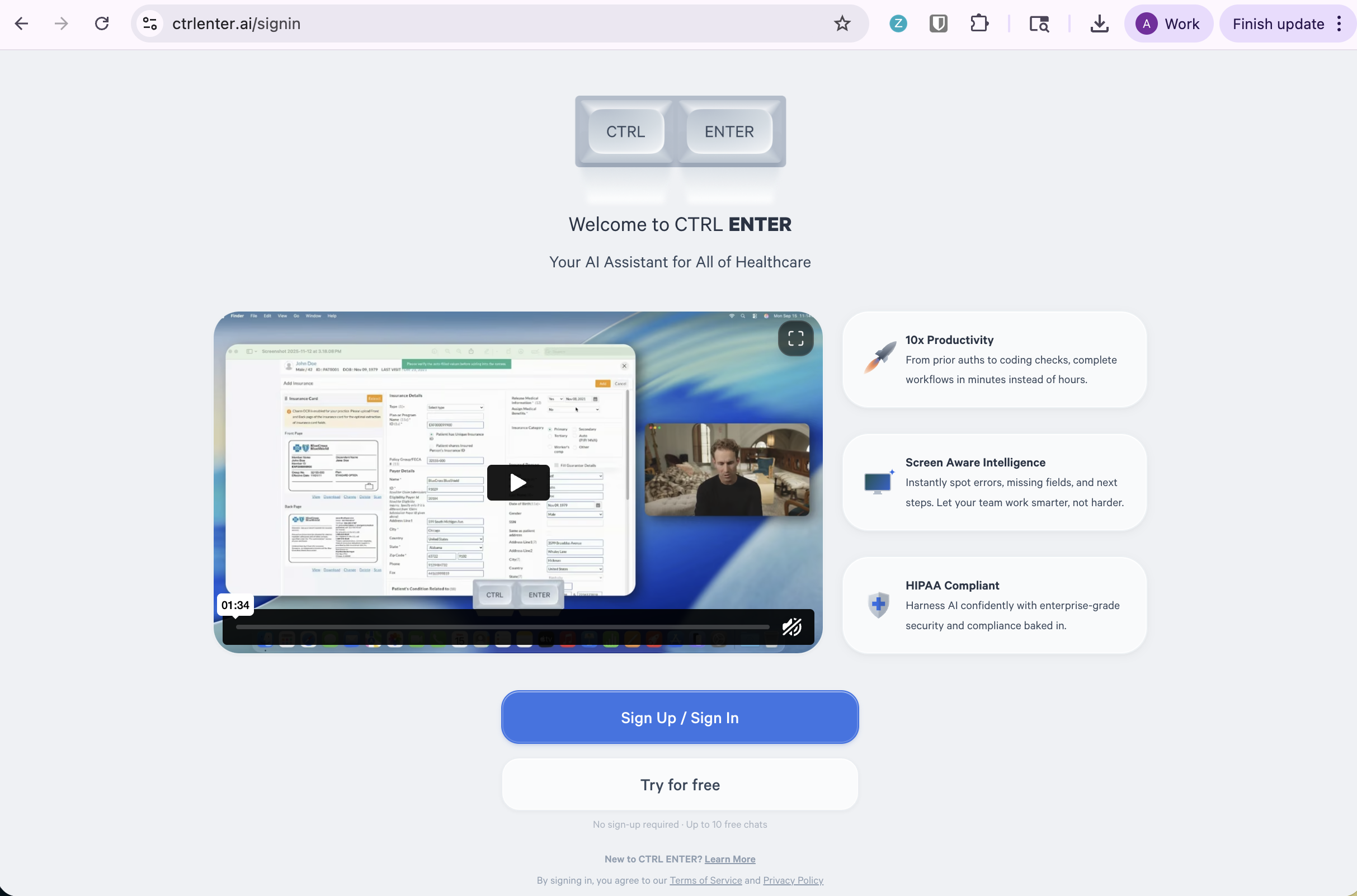
Step 1 — Go to the Website
Navigate to ctrlenter.ai/signin. You'll land on the CTRL ENTER welcome page. From here you can either:
- Click Sign Up / Sign In to create or access your full account
Click Try for free to explore with up to 10 free chats — no sign-up required
Step 2 — Sign In or Create an Account
Sign in using your preferred method:
- Email — enter your address and click Continue
- Continue with Google
- Continue with Microsoft
Don't have an account yet? Click Sign up to create one.

Step 3 — You're ready!
Once signed in, you'll land on your CTRL ENTER dashboard. Try one of the built-in prompts to get started:
- Prior Authorization — check requirements instantly
- CPT Code Lookup — find accurate billing codes
- Claim Error Detection — catch mistakes before submission
- ICD-10 Code Mapping — convert diagnoses to codes
- Medical Necessity — generate justification letters
- Eligibility Check — verify coverage details
Or just type your question directly into the chat bar at the bottom.


ENTER is HIPAA compliant and SOC 2 Type 2 certified. See our trust center to learn more.
Ready to Get Started?
Talk to our sales team and see how much ENTER can impact your Revenue Cycle Management today!